Silent Notary - a blockchain service for notarising documents
Silent Notary notarises digital files on the blockchain: it proves that a file existed at a particular moment and has not changed by a single byte since. We took the service on when it was already live, rewrote it from scratch and brought it back to the market.
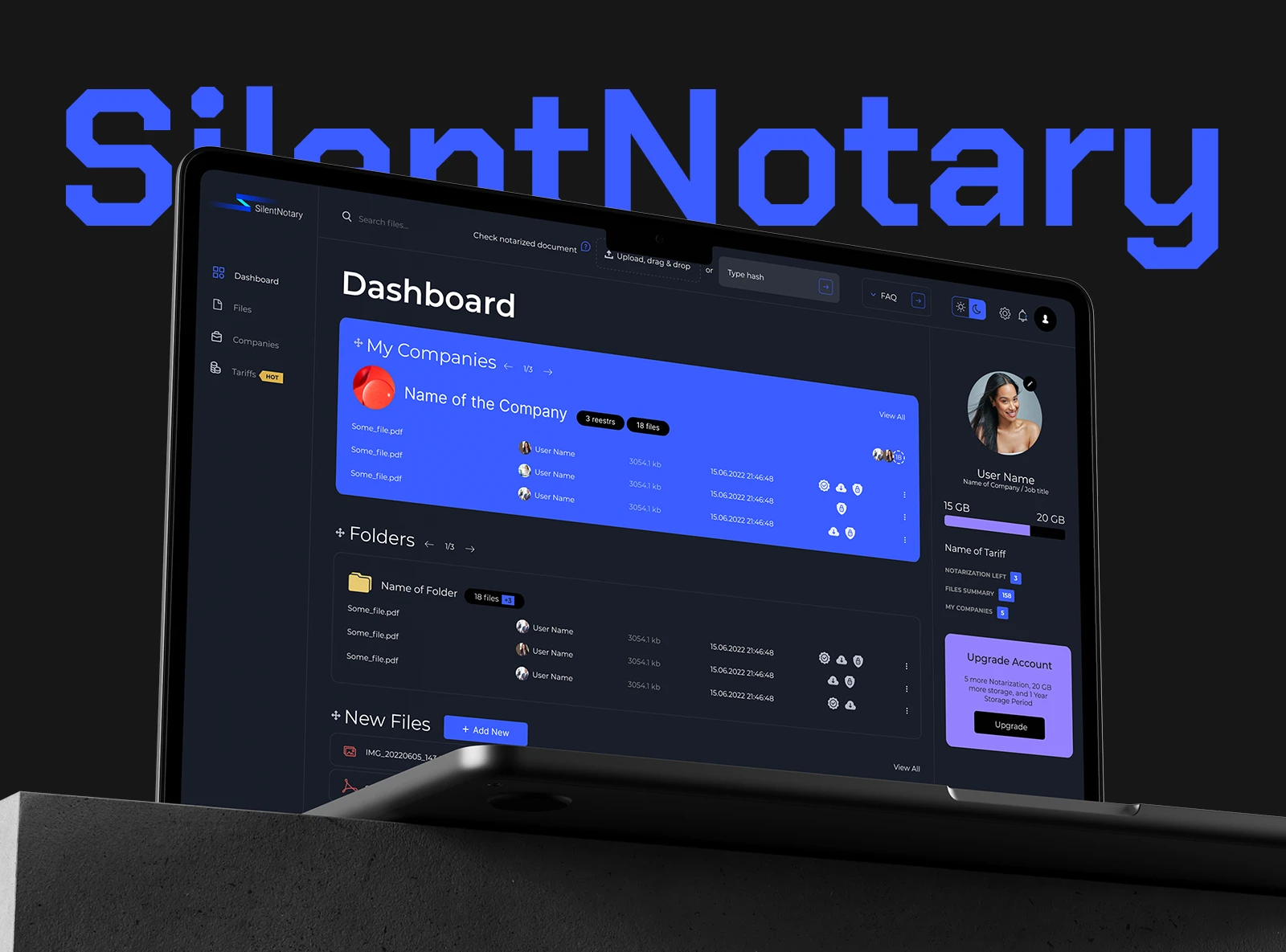
- Client
- Ubix.Network
- Industry
- Blockchain, Fintech
- Services
- Web3 and blockchain, Frontend, Backend, Design, On-Line services, Outstaff, Web development, Analytics, Corporate systems, Web3 experience, Business consulting
- Period
- 2021-2025
What we took on
The service was conceived at the right time: it appeared earlier than most of its analogues and quickly gained users. Then development paused, and in that time the market caught up - competitors appeared, some of them with investors behind them who kept putting money in.
We were approached with a task that sounded simple: refresh the design and spend on advertising.
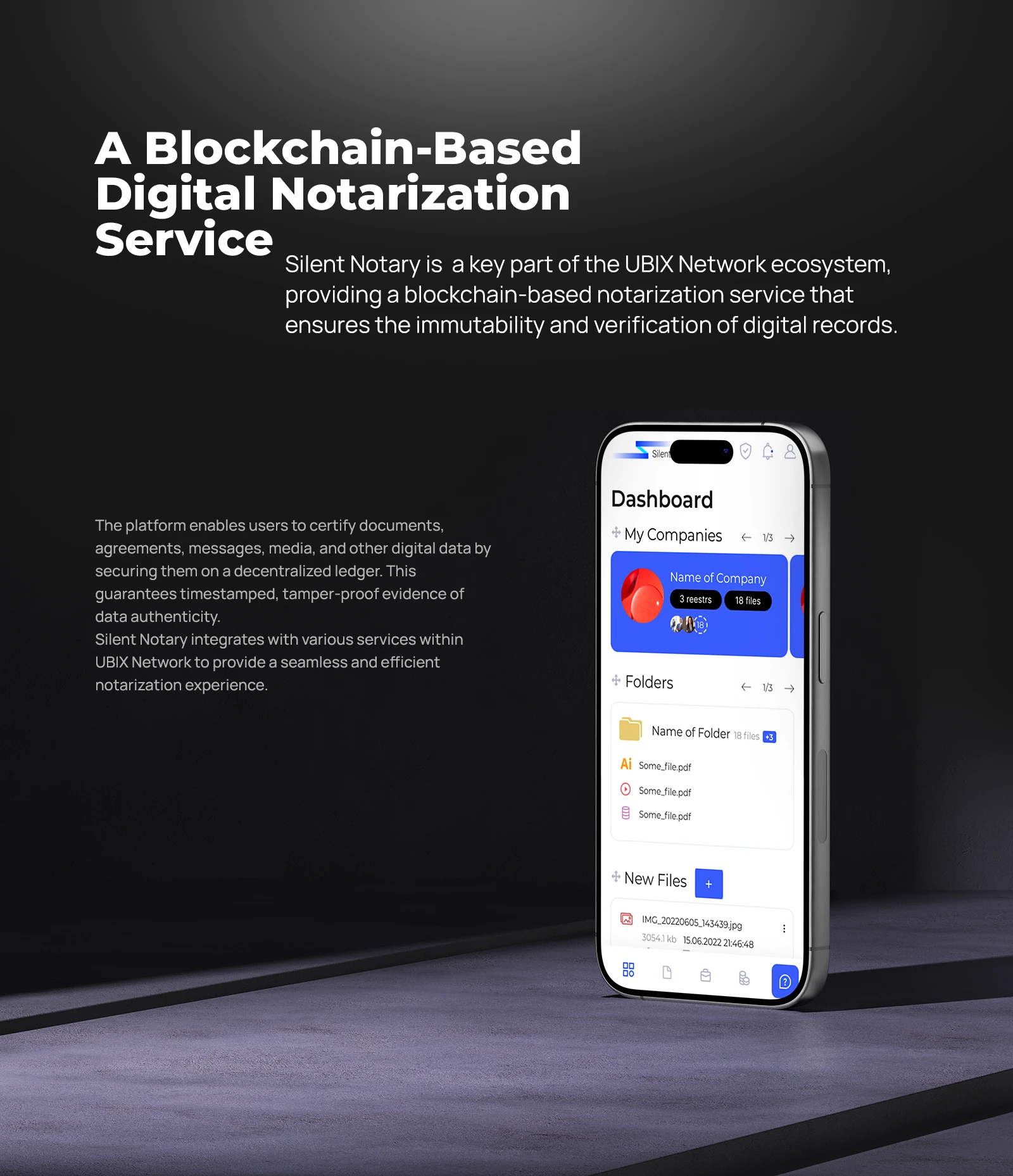
A digital notarisation service built on the blockchain
Why a new design alone was not enough
We started with an analysis of the competition, and the picture did not argue for advertising. Several similar services already existed, all roughly alike, differing in details. What united them mattered more: to do anything at all you had to register. Both the person notarising the file and the person later shown the notarised file.
Spending money to advertise a product that is no different from the one next door means paying for people to compare you with a competitor. We reframed the task and presented it to the owners: not to refresh the shell, but to find what nobody else had and build the service around it. The proposal was accepted - so instead of a redesign we rewrote the service from scratch, on a current stack and with capabilities the competitors did not have.
- Remove registration from where it gets in the way.
- Give businesses a reason to notarise documents here specifically.
- Make users bring in new users themselves.
- Keep the people who came earlier: move them to the new service and show that the product is developing again.
Checking without registration
The first decision turned out to be the most important one. Anyone can check a document without creating an account: drag a file into the field in the header or paste a hash. The service calculates the fingerprint and answers - whether such a record exists, who made it and when.
The scenario then builds itself. A musician sends a track to a studio or a radio station and attaches the certificate. A writer sends a manuscript to a publisher - and attaches it too. The receiving side needs to install nothing and register nowhere: they open the check, see the confirmation and understand what is in front of them.
And they understand how it works along the way. A noticeable share of registrations came from exactly there: a person first checked someone else's document, worked out the mechanics on a live example, and only then created an account - already knowing what for.
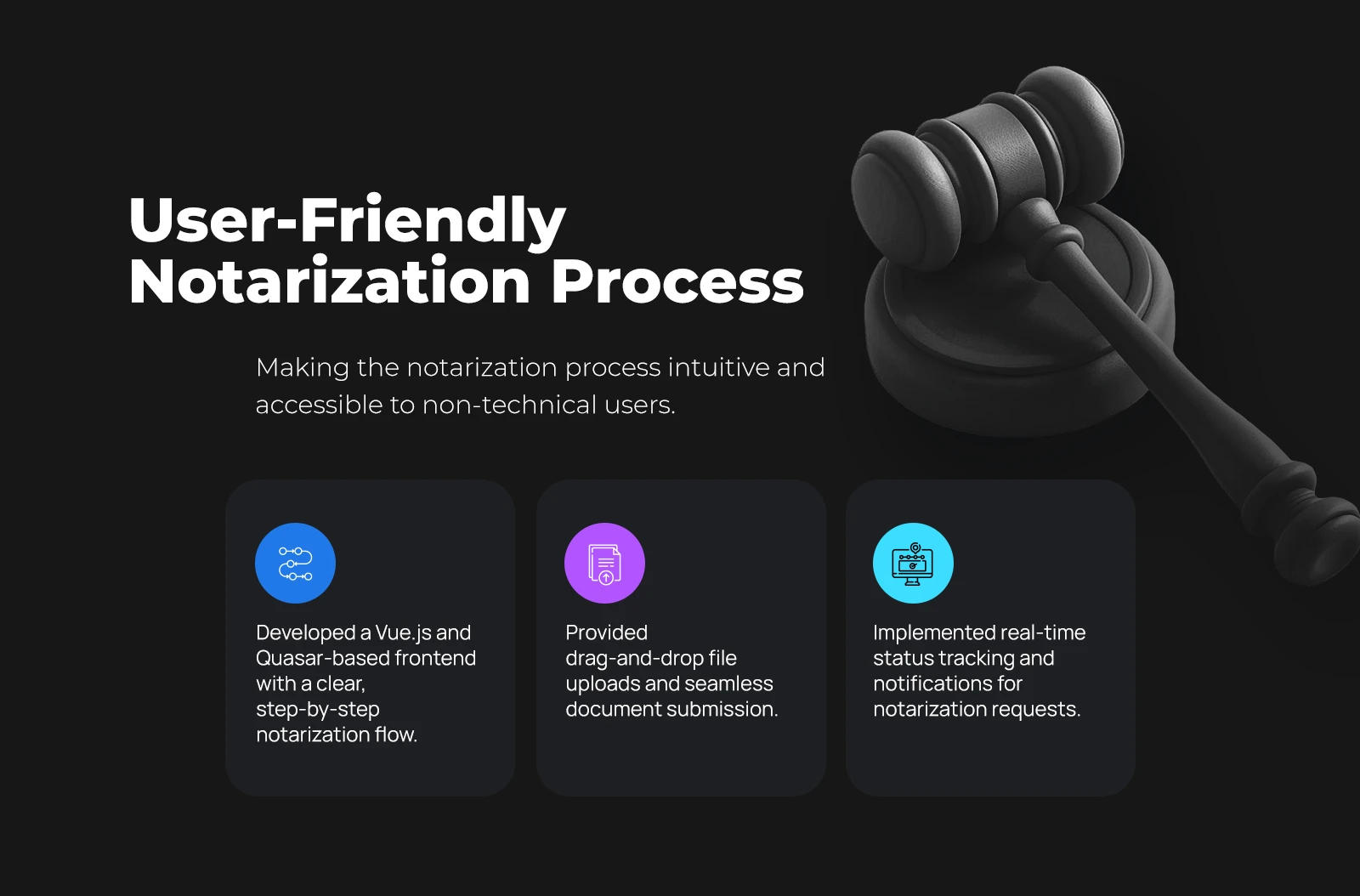
A user-friendly notarisation process for documents
How notarisation works
What goes into the registry is not the file but its hash - a short string that cannot be turned back into the document, but against which any copy can be verified.
This mattered beyond the technical side. When storing other people's documents came up for discussion, the company lawyers put it bluntly: other people's files on our servers mean a different user agreement, a separate security perimeter and costs that grow along with the number of clients.
The solution turned out to be elegant: the service does not need the files. The hash is calculated in the browser, and only it goes out - a fingerprint and a timestamp. The document itself stays with its owner and never leaves their computer. The legal question closed by itself, along with the cost of storage.
A fingerprint, not a file
The hash is calculated in the browser; the document itself never goes to the server.
Timestamp
It fixes the moment of notarisation, and it cannot be moved after the fact.
The UBIX.Network registry
A record cannot be changed or deleted, not even by us.
Any format
A contract, a chat log, a photograph, a track, a video - anything that is a file.
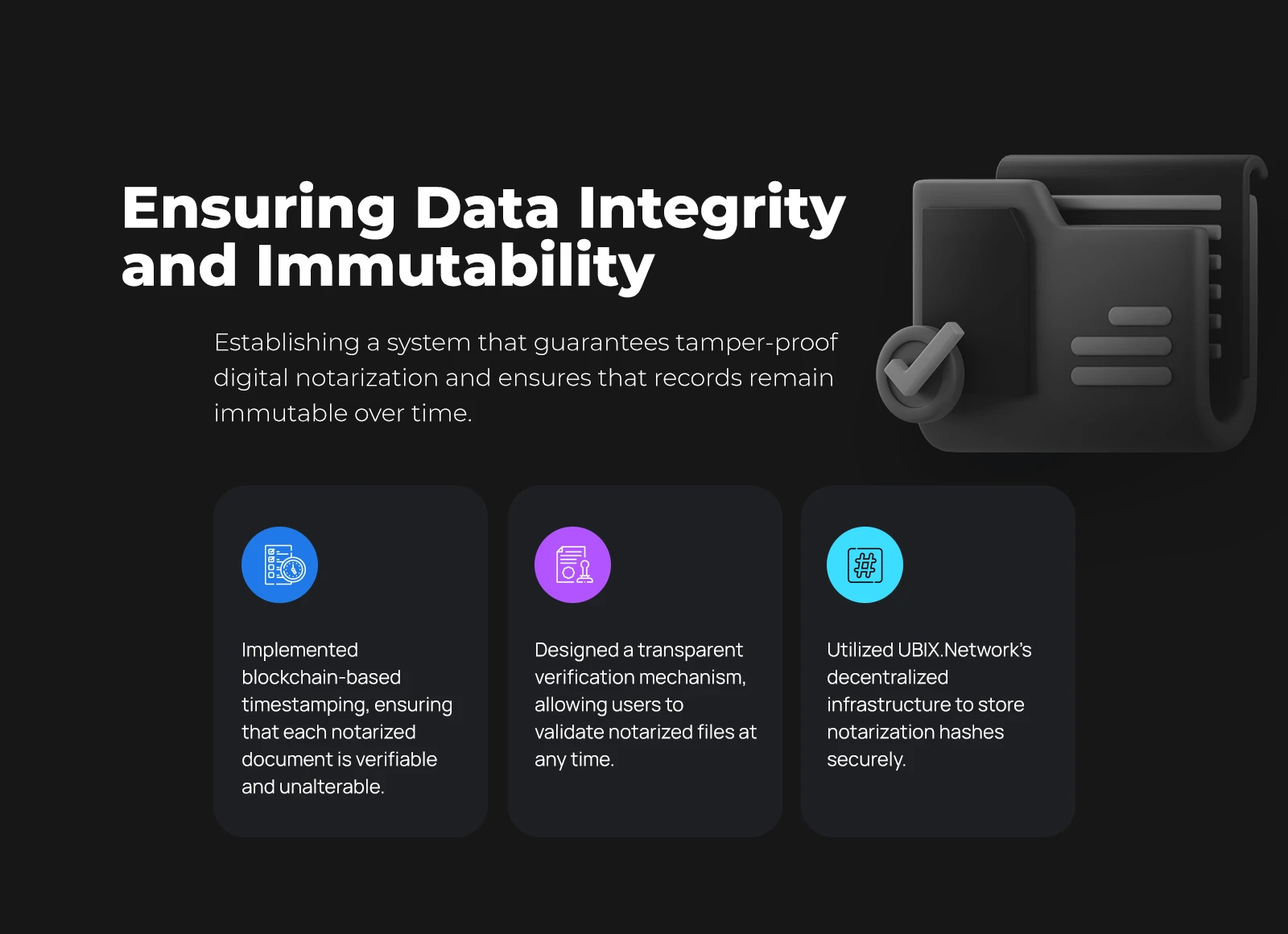
Ensuring the integrity and immutability of notarised data
A certificate under the client's brand
The second find. Normally a document like this advertises the service itself. We did the opposite: the certificate is configured for the company - its logo, name, website, phone and address. Below sit the file name, the hash, the transaction number, the time and a QR code leading to the check. The mention of Silent Notary stays as small print at the bottom.
The result is that a client notarising documents promotes themselves, not us. For a business this proved a weighty argument: the certificate goes out to counterparties, and it carries their contacts.
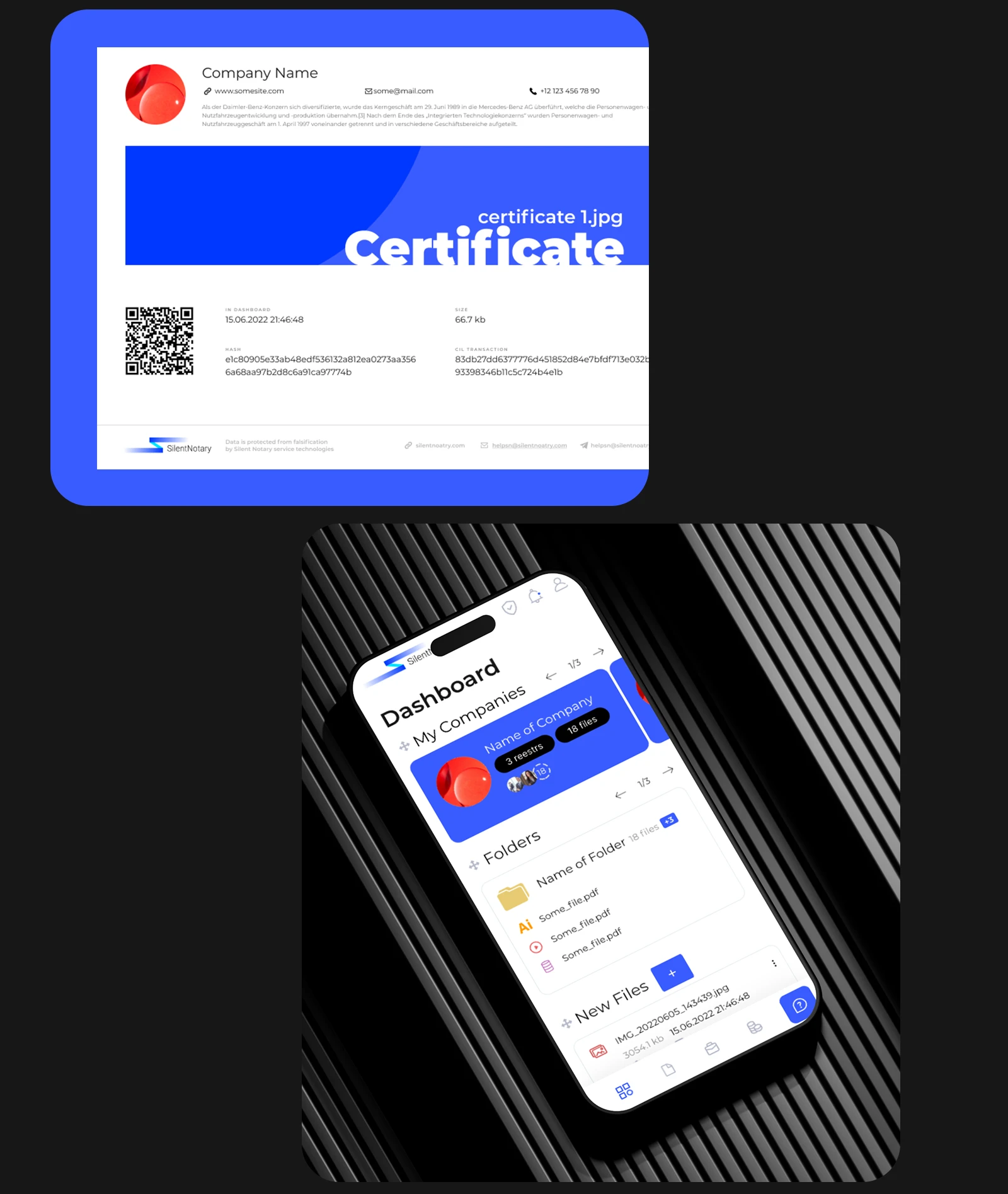
Certificate with the company logo, hash and QR code, and the mobile version of the service
Referral programme
The QR code on the certificate leads to the file check - and that is where the circle closes. If the person who received the document later registered and started using the service, the certificate's owner received a share: additional notarisations for a small user, bonuses in ecosystem coins on the internal account for companies.
The referral settings were managed by the user, and they turned the certificate into an acquisition channel: every notarised document going outside worked for the service.
Companies and working together
The bet was on notaries and lawyers ready to move to electronic document handling. Before that their work broadly looked like this: print out a screenshot and notarise the paper. Here the digital file itself is notarised, with no printout in between.
Companies appeared in the service: registries, folders, employees with different rights, a clear record of who uploaded a file and when. One person can run several companies and switch between them without leaving their account. Sign-in is shared with the rest of the ecosystem, so a separate registration in every service is not needed.
Storage arrived together with companies - this time with a properly drafted agreement. But it was not made mandatory: a company can use the service's storage or connect its own. In the second case the files sit with the client while the interface shows them just like the rest.
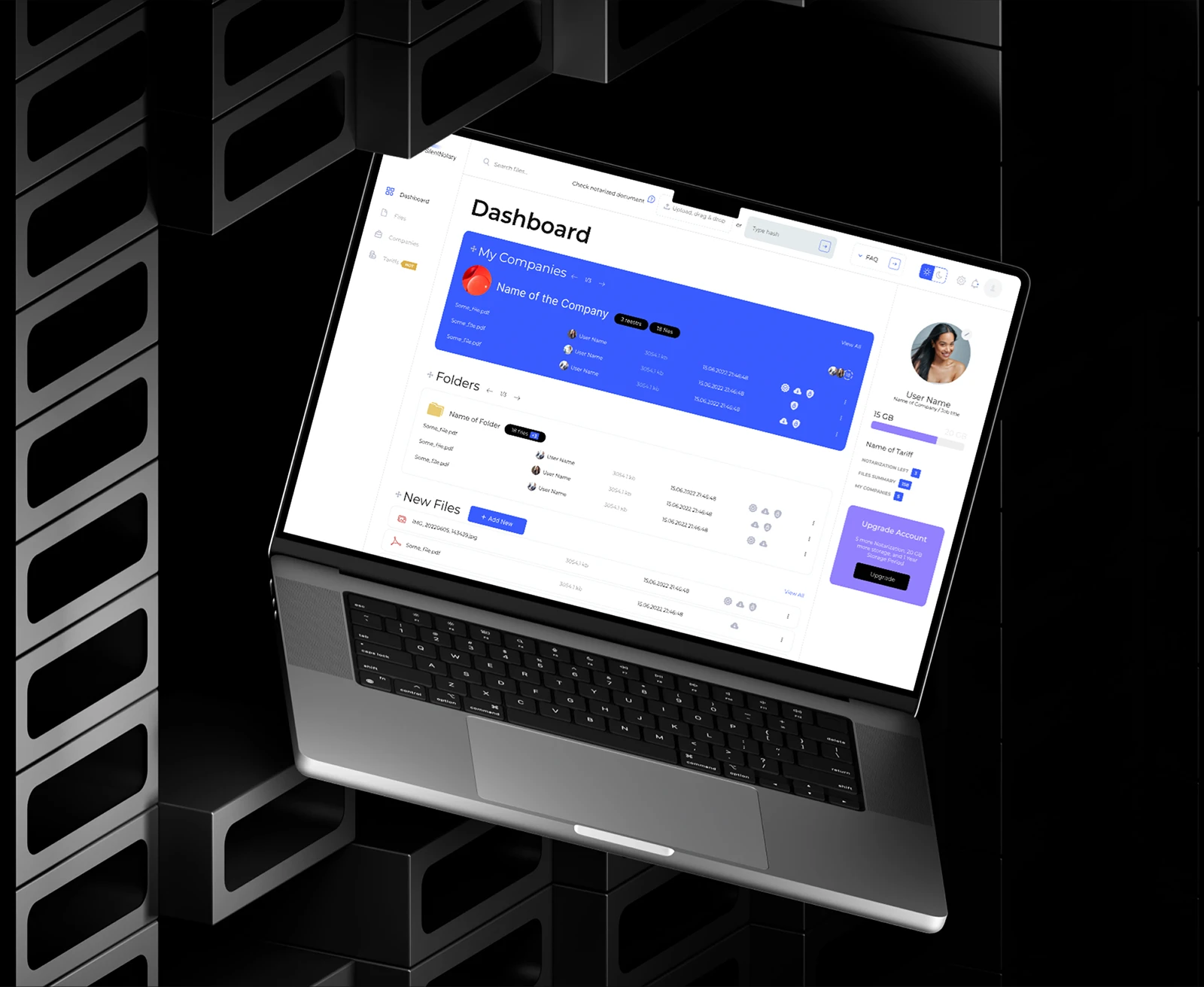
A workplace: notarising documents, folders and company registries
Moving the users across
A service rewritten from scratch always risks losing the people who got used to the old one. So the transition was prepared separately.
The notice was sent inside the service, through its own messaging system - under the agreement users had accepted when they registered. For those who used the service actively, the message was duplicated by email. Accounts and every notarisation made earlier moved along with the people: nothing had to be set up again.
The return was good. A person opened the service, saw the new interface, tried the check, looked into the certificate and the referral programme - and stayed. For active users the switch was seamless, and the community took the update warmly.
Tariffs and storage
Once it became clear that certificates work as an acquisition channel, notarisations stopped being paid-only: every member was given a monthly allowance that renews itself. The counter resets at the start of the month, and for most people that is enough.
A tariff is for those who go past the allowance: it lifts the limit and lets them buy the number of notarisations they need. The storage quota, the remaining notarisations and the retention period are visible right in the dashboard, and the upgrade is offered where a person runs into the limit rather than in a separate section with a price list.
Interface
Light and dark themes, each worked out separately. The Montserrat typeface, blue and lilac as accents, everything else in shades of grey. The mobile version repeats the whole path: upload, notarise, check, download the certificate.
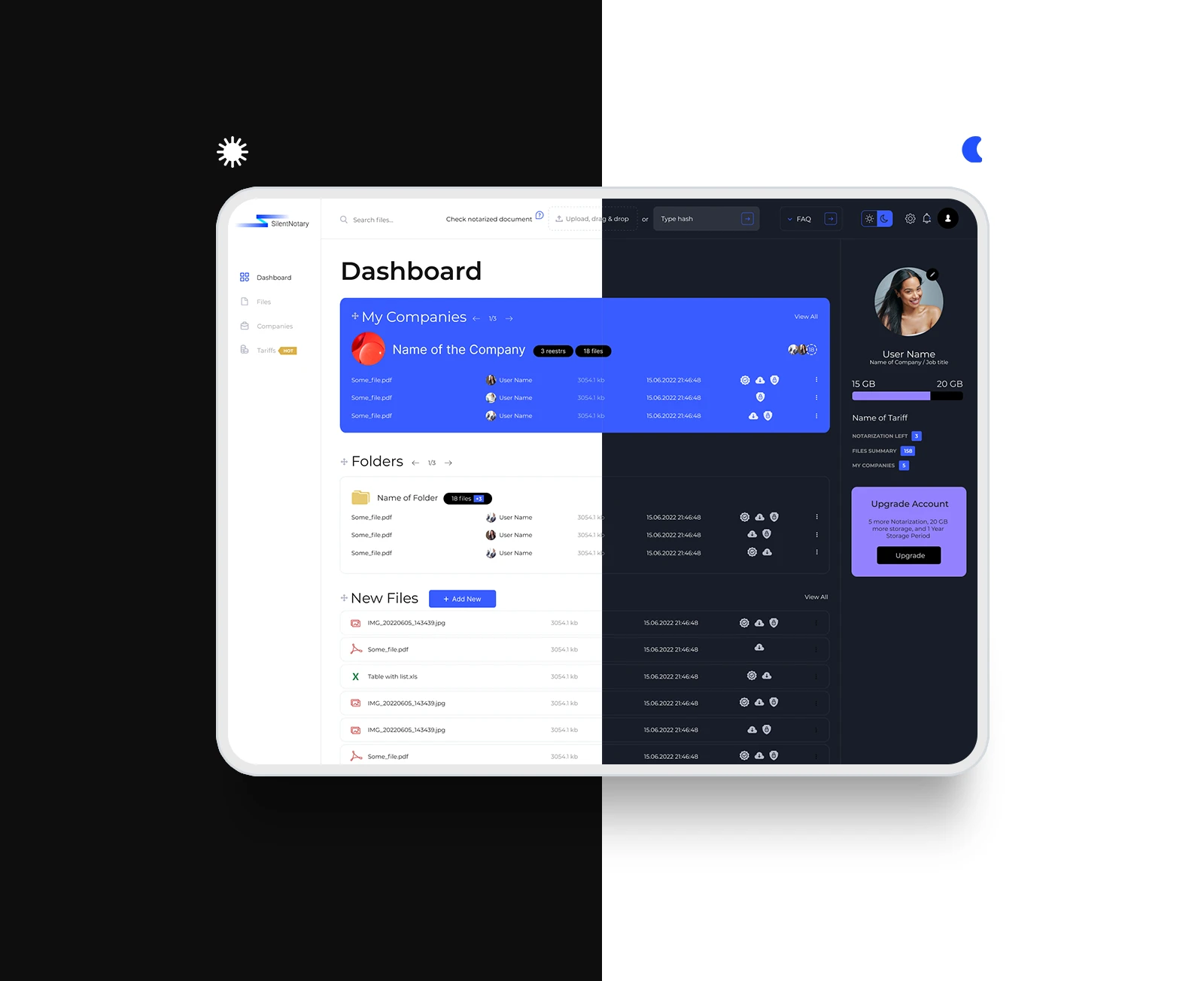
Light and dark themes of the notarisation service interface 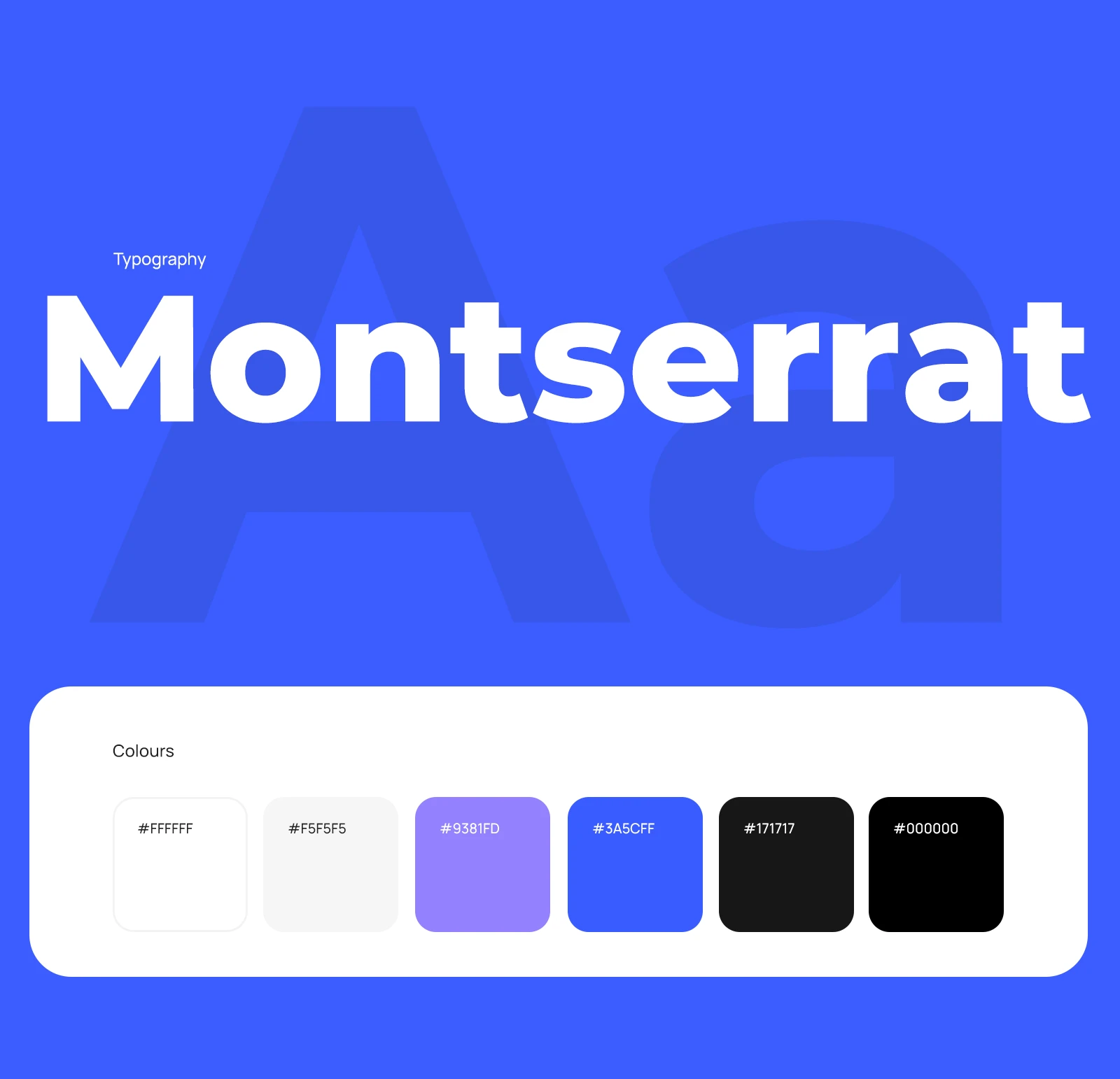
Typography and colour: the Montserrat typeface and the brand palette
Infrastructure
The backend runs on C# 7, auxiliary services on Node.js 16+, storage on PostgreSQL. Notarisations are processed asynchronously: a request goes into a queue instead of holding the user, so a batch of files does not slow the interface down.
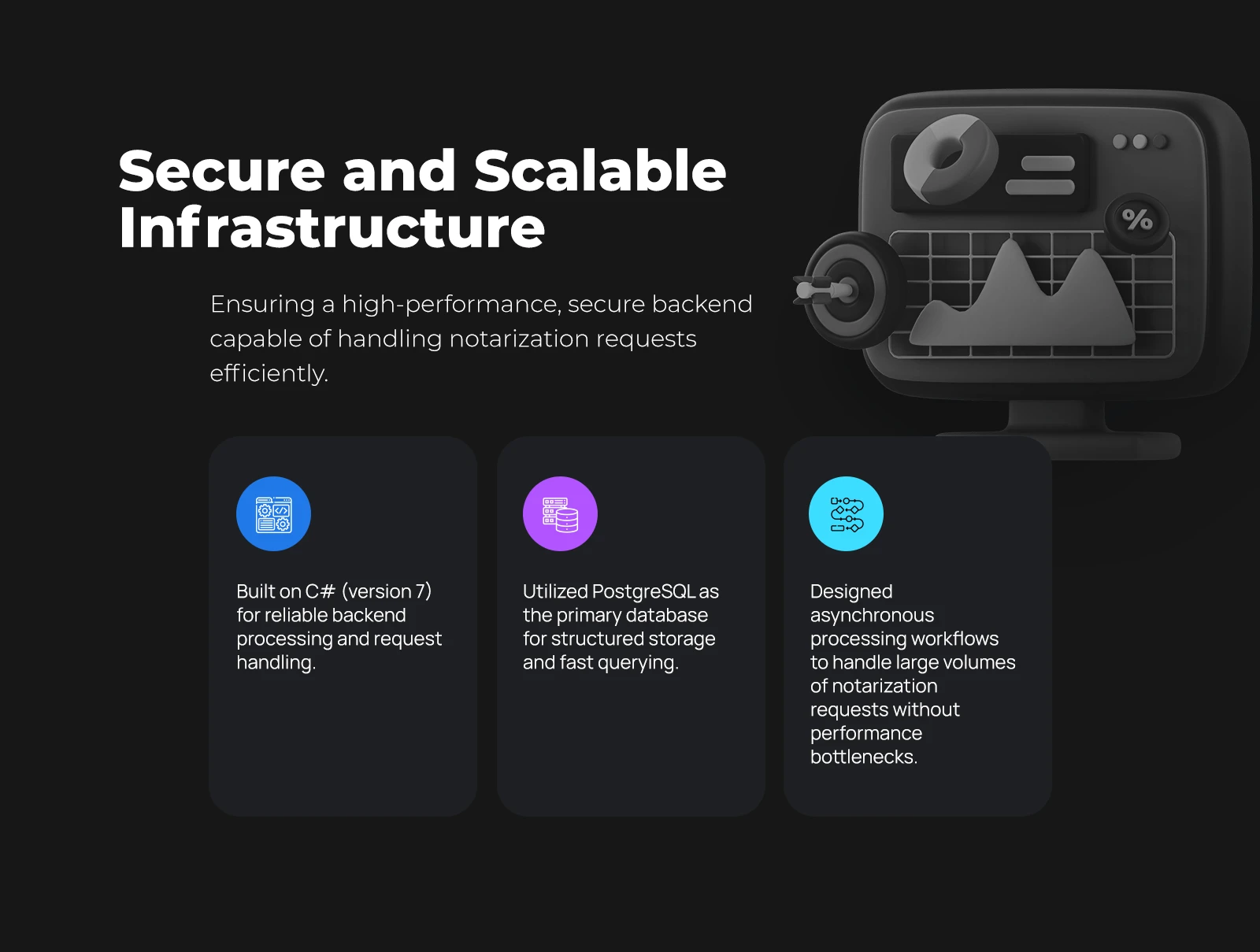
Secure and scalable infrastructure of the notarisation service 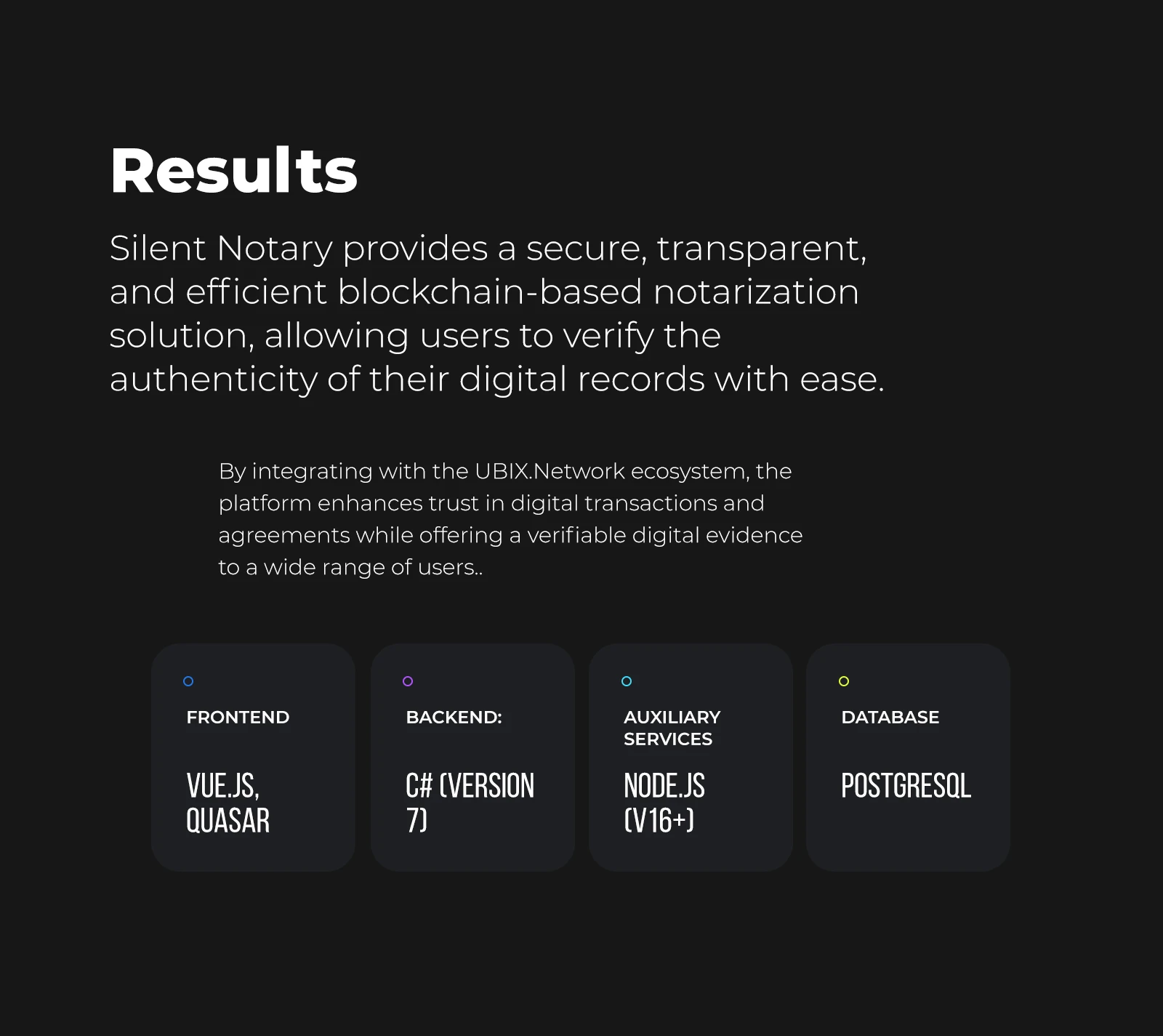
Project results and the Silent Notary technology stack
Thank you for viewing the FAMOUS.TEAM case on blockchain notarization platform development for Silent Notary
Silent Notary blockchain service stack
What the project is made of
The agency services it took to launch it.
- ServiceWeb3 and blockchainDevelopment of Web3 solutions that people trust with their money: smart contracts, wallets, trading and staking platforms, decentralised applications.
- ServiceFrontendFrontend development and markup to order: we build an interface that holds up equally on a phone and on a wide monitor, opens fast and stays readable on real data. We take the p...
- ServiceBackendBackend and API development: a server side that holds the load, keeps the data and updates without stopping the service. We take the project as a separate stage or place a devel...
- ServiceDesignWebsite and interface design by a team with experience both in design and in production frontend for products like these. So what is drawn gets built without surprises, whoever...
- ServiceOn-Line servicesCustomer portal and online service development for products people use regularly. We answer for the technical side and for giving the business clear figures: where a person stop...
- ServiceOutstaffStaff augmentation for your development team: the person works by your rules, inside your process and under your management. We answer for their qualification, the paperwork and...
- ServiceWeb developmentWebsite and web application development end to end: from the first conversation about the task to launch and support. We build things that live in the browser and have to withst...
- ServiceAnalyticsDashboard and monitoring system development: we collect data from different systems into one picture and show what decisions are actually made on.
- ServiceCorporate systemsCorporate portal and internal systems development for employees: records, requests, approvals, reference data and reporting. We build around your process and connect it to what...
- ServiceWeb3 experienceOur blockchain experience came both from individual commissions and from an ecosystem we ran for years together with its owners and their team. This page is about what we unders...
- ServiceBusiness consultingBusiness consulting answers the question of whether to do it at all and, if so, in what order. We review processes, the product and the figures, work out where you are losing mo...